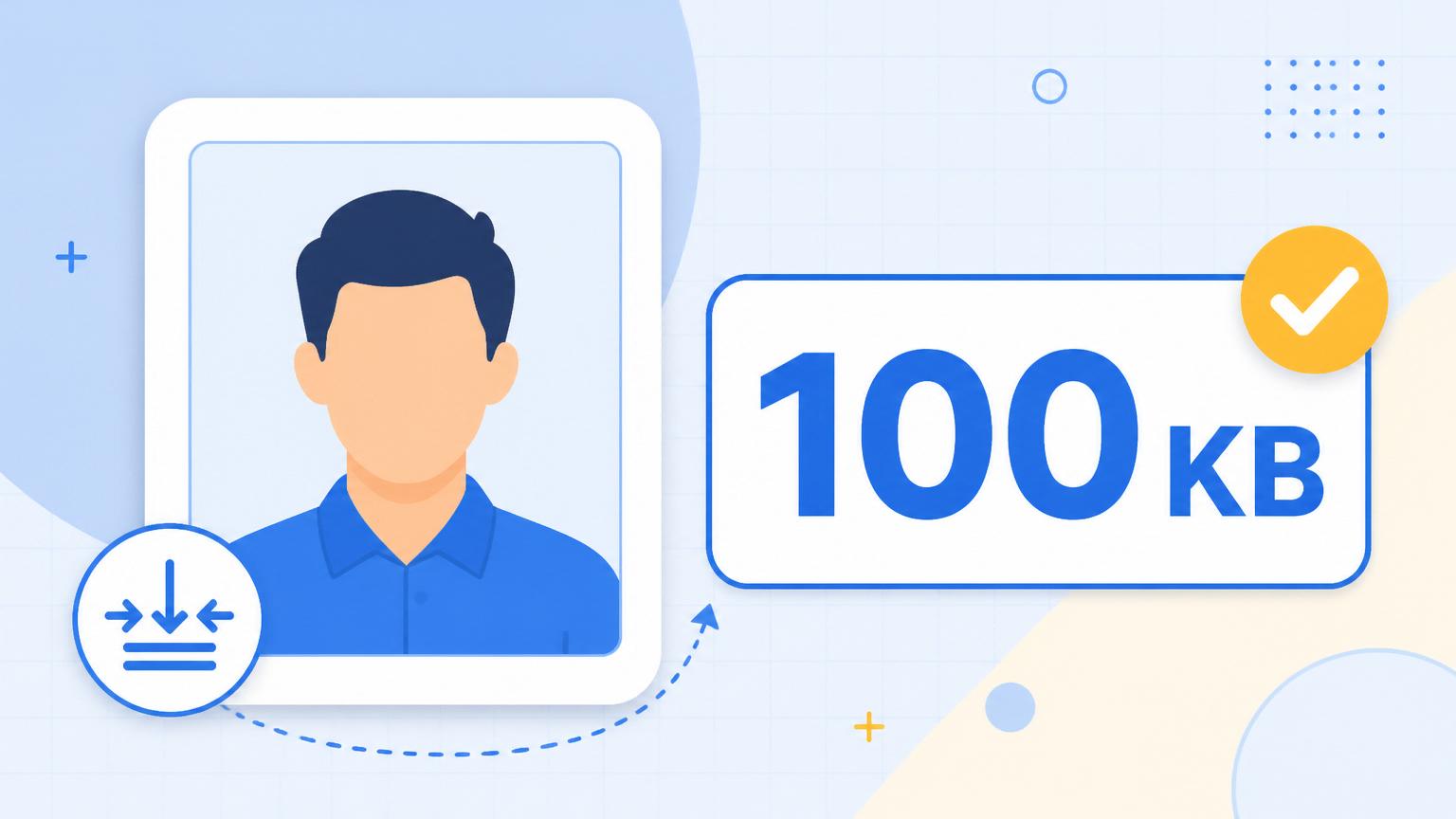
If you've tried updating your Aadhaar photo in the last year, you've probably seen the small red text: "File size should be less than 100 KB." You compress once, it's 340 KB. You compress harder, it's 87 KB but your face looks like a smudge. You try three more tools. Two of them upload your photo to a server you've never heard of. One works but adds a watermark. This guide fixes all of that in three minutes.
The problem isn't Aadhaar — it's that almost every online compressor uses fixed presets ("Low / Medium / High") instead of actually solving for a target size. They overshoot or undershoot, and you burn 10 attempts trying to land in the 90–99 KB sweet spot. What you actually want is a tool that hits 100 KB on the first try.
The three-step method
Open Bluebird's Image Compressor and drop your photo. Pick the 100 KB preset. Download. That's it — no signup, nothing uploaded, no watermark. The BPIE engine inside Bluebird uses a solver called binary search over JPEG quality, so it converges on the exact byte target (typically 97–100 KB) in about 4 iterations. If you want to see it work, open your browser's Network tab: zero uploads, zero downloads except your own file.

Aadhaar's real photo spec (2026)
Beyond the 100 KB cap, UIDAI has a few quiet rules that cause silent rejections. The photo should be a colour JPEG. The face should occupy 50–70% of the frame. Passport-style — head and shoulders, plain background, both ears visible, no glasses if avoidable, neutral expression. Bluebird's compressor keeps whatever dimensions you upload — so crop first, then compress.
If your source photo is already a passport-style crop around 800×800 or 1000×1000, the 100 KB preset gives you a very clear result. If your source is a full-scene photo, resize it first (there's a resizer built into the same tool) before you compress.
What if the portal still rejects it?
Nine times out of ten, it's not the file size — the photo failed the automated face-detection check. Common causes: hair or a mask covering part of the face, strong shadows across one cheek, or the photo being too dark or too bright. Retake it in even daylight against a plain white wall, then run it through the compressor again.
The remaining 10% of rejections are because the file is actually a PNG saved with a .jpg extension. Portals sniff the file's real format, not just its name. Bluebird always exports as a real JPEG.
Bookmark this so you don't have to search for it again the next time you help a friend or family member. Nothing about the compression ever leaves your device — a small privacy detail that matters more for Aadhaar than for almost anything else you'll ever upload.

