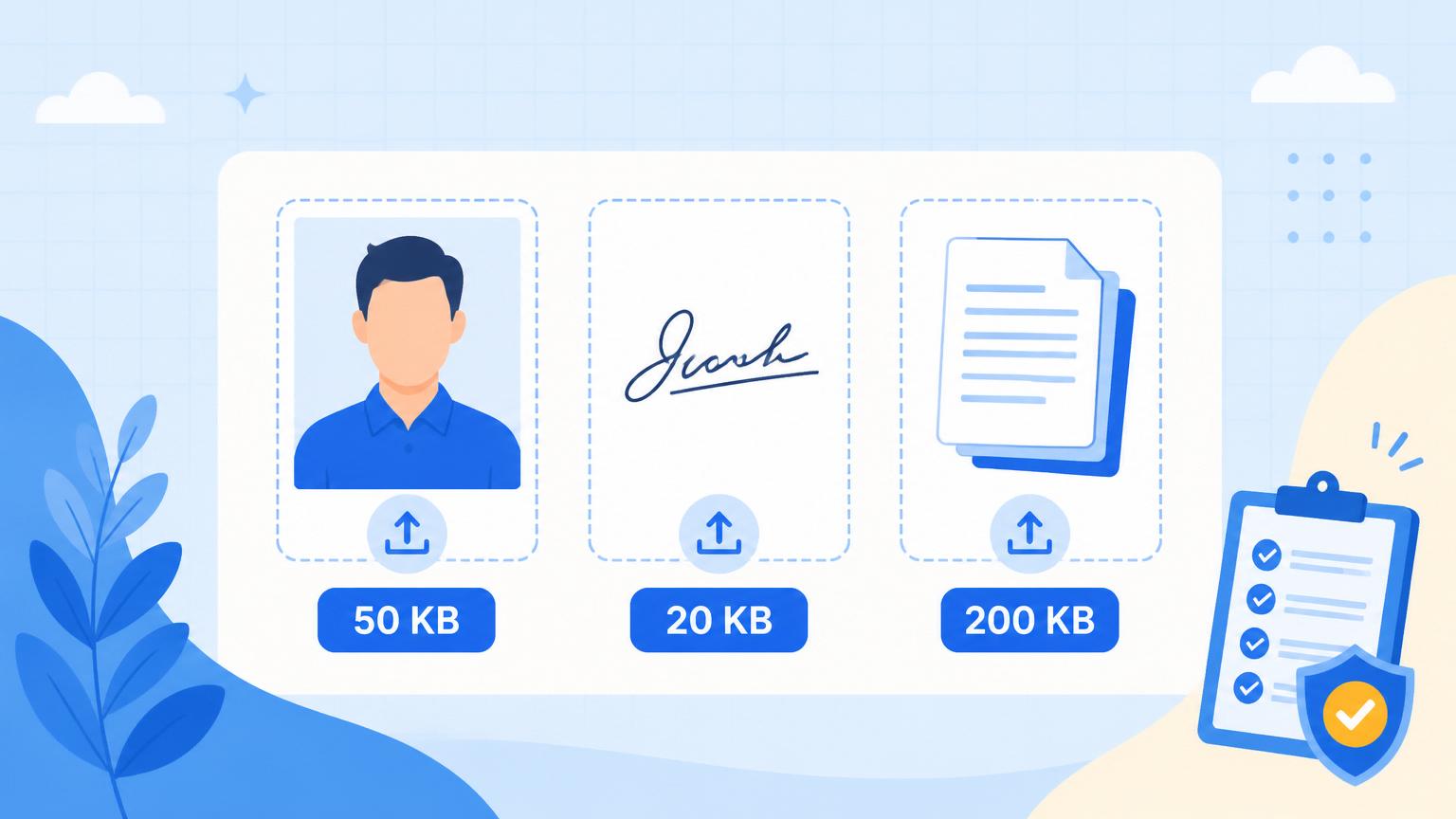
SSC and IBPS application portals are notorious for a specific kind of pain: five different upload boxes, five different size limits, and error messages that appear only after you've clicked submit and lost the last hour of form-filling. This guide walks through every one of the size caps you'll hit for SSC CGL, CHSL, JE, MTS, IBPS PO/Clerk and RRB NTPC applications in 2026, and the fastest way to satisfy each one — all in your browser, without uploading anything to a stranger's server.
The size caps you'll actually see
Photo: 20 KB to 50 KB, JPEG only, dimensions typically 3.5 cm × 4.5 cm at 200 DPI (around 275 × 354 pixels).
Signature: 10 KB to 20 KB, JPEG only, dimensions typically 3.5 cm × 1.5 cm at 200 DPI.
Left thumb impression: 20 KB to 50 KB, JPEG.
Handwritten declaration: 50 KB to 200 KB, JPEG.
Category certificate (SC/ST/OBC/EWS), disability certificate, service certificate: 200 KB PDF.
Age proof and educational certificates: 200 KB PDF each.
Each of these has a floor as well as a ceiling — upload a 5 KB photo and it will be rejected as "too small". Bluebird's compressor targets a landing zone in the middle of the range so you're safely inside both bounds.
Photo and signature — the 20 KB / 50 KB pair
Take your passport-style photo against a plain white wall in daylight. Crop it to the 3.5:4.5 ratio (Bluebird's Image Cropper snaps to that ratio directly). Open the Compress Image to 50 KB page, drop the cropped photo, download.
For the signature, sign a plain white sheet with a black or dark blue pen, take a photo, crop it, then use Compress Image to 20 KB. Bluebird's BPIE solver will land inside the 10–20 KB band by default.

The certificate stack — 200 KB PDFs
Almost every certificate is a scan from your college or municipal office. They're big by default — often 2–4 MB — and they need to end up under 200 KB. Open Compress PDF to 200 KB, drop the scan, download. Total time per certificate: under 10 seconds.
If a certificate is a multi-page document, do not split it. Keep it as one PDF. SSC/IBPS forms expect one PDF per document, not one per page.
Handwritten declaration — the trap
SSC forms want you to write a specific sentence in your own handwriting, photograph it, and upload it as a JPEG under 200 KB. The trap: candidates upload the raw phone photo at 4 MB, the portal silently rejects it, and the form appears to submit but the declaration slot shows red.
Take the photo in daylight against a white sheet, crop tight to the writing, then run Compress Image to 200 KB (or 100 KB if the specific exam caps at 100 KB). Check the preview to make sure the handwriting is still readable.
What we do differently
Every other compressor sends your photo, signature and certificates to a server. For an SSC application, that means a stranger's server has seen your face, your signature, your caste certificate, your address proof — everything an identity thief needs. Bluebird does the whole compression pipeline inside your browser tab. You can literally turn off Wi-Fi after the page loads, and the compressor still works. That's not a marketing claim — it's how the code is built. Open your browser's Network tab while you compress and confirm.
Good luck with the application. If any of these caps feel off — SSC changes the specs sometimes — send us a note and we'll update the guide the same day.

