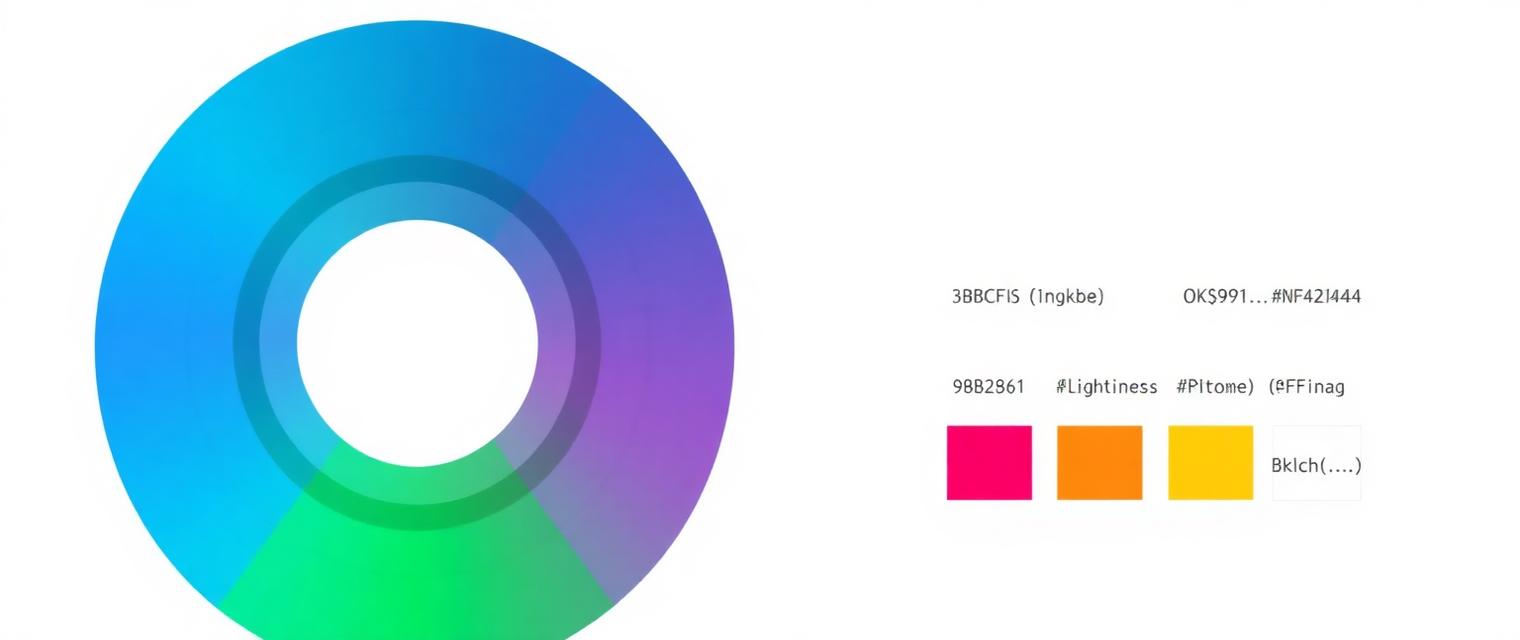
I opened Tailwind v4 for the first time last month, hit Ctrl-F in the theme file, and found a color notation I didn't recognize: oklch(0.623 0.214 259.815). No hex, no rgb, no hsl. Just three numbers wrapped in a function I'd never used. My first reaction was mild annoyance — I'd been writing #3B82F6 for a decade, thank you very much. My second reaction, after an hour of reading, was: oh. This is actually better.
This post is the explanation I wish someone had handed me. What OKLCH is, why HEX has been quietly holding your palettes back, and how to convert between them without a build step, a Figma plugin, or an npm install.
The problem with HEX (and RGB, and HSL)
HEX is a way to describe what a screen emits. #FF0000 means "turn the red subpixel all the way on". That's great for a screen. It's terrible for a human, because the human eye doesn't perceive light linearly.
Concretely: pure yellow (#FFFF00) and pure blue (#0000FF) both have the same numeric brightness in RGB. Look at them side by side and yellow is blinding, blue is dim. Your monitor is doing exactly what the numbers say. Your eyes are having a very different experience.
HSL tried to fix this by giving us a "lightness" slider. But HSL's lightness is still based on RGB math. hsl(60, 100%, 50%) (yellow) and hsl(240, 100%, 50%) (blue) both claim 50% lightness. They look nothing alike.
What OKLCH is
OKLCH stands for OKlab-Lightness-Chroma-Hue. It's built on OKLab, a color space published by Björn Ottosson in 2020 that was specifically designed so that equal numeric steps look like equal perceptual steps. It's the first widely-adopted color space where "20% brighter" actually looks 20% brighter.
The three numbers are: L (lightness, 0 to 1), C (chroma, roughly 0 to 0.4, how vivid the color is), and H (hue, 0 to 360 degrees). Compared to HEX's opaque six characters, OKLCH is legible: oklch(0.7 0.2 30) is "medium-bright, quite saturated, orange-ish". You can read it.
Why this matters for design systems
Try to build a palette of 10 shades — from lightest 50 to darkest 950 — in HEX. You will end up eyeballing hex codes, comparing swatches, and quietly cursing. Some shades will look identical, some will jump too far.
In OKLCH, you just pick a hue and chroma and step L linearly from 0.98 down to 0.15. You get a smooth, professional ramp on the first try. This is exactly what Radix Colors and Tailwind v4 now ship — palettes generated in OKLCH because it's the only color space where the math matches what you see.
Even better: two different color families (blue and orange, say) built at the same L values will feel like the same tonal weight. Your buttons look consistent across the whole system without hand-tuning.
The one-line conversion
You can't convert hex → OKLCH in your head, but you don't need to. The math is well-defined: parse hex to sRGB, undo the gamma curve to get linear RGB, multiply by a 3×3 matrix to get OKLab, then turn (a, b) into polar coordinates for chroma and hue. It's about 30 lines of JavaScript, no dependencies.
Our HEX to OKLCH Converter does exactly this in your browser — paste a hex code, get back oklch() ready to drop into your CSS. It also round-trips: paste an oklch(...) value and see the closest hex approximation and a live swatch.
Practical tips
Don't try to migrate your whole codebase overnight. Convert your primary and accent colors first, use OKLCH for any new palette shades, and leave legacy hex codes where they are. Browsers happily handle both in the same stylesheet.
Watch out for out-of-gamut colors. OKLCH can describe colors sRGB monitors can't display (chroma above about 0.32 is often unreachable). If a converted color looks flat or clamped, drop C by 0.02 and try again.
For animated color transitions, always use OKLCH. Animating between two hex colors in RGB space passes through muddy grey; the same animation in OKLCH stays vivid the whole way.
For dark mode, don't just invert L. Real dark palettes drop C slightly too — pure saturation looks harsh on dark backgrounds. Aim for L 0.2, C 0.08 for accents.
The takeaway
HEX is a fine way to name a color. OKLCH is the right way to design with one. If you're building a fresh palette in 2026, start in OKLCH — you'll spend less time nudging swatches and more time shipping.
And if you just need to convert one color right now, don't install a tool: our converter runs entirely in your browser, nothing uploads, no signup, no rate limit. Paste, copy, close the tab.


