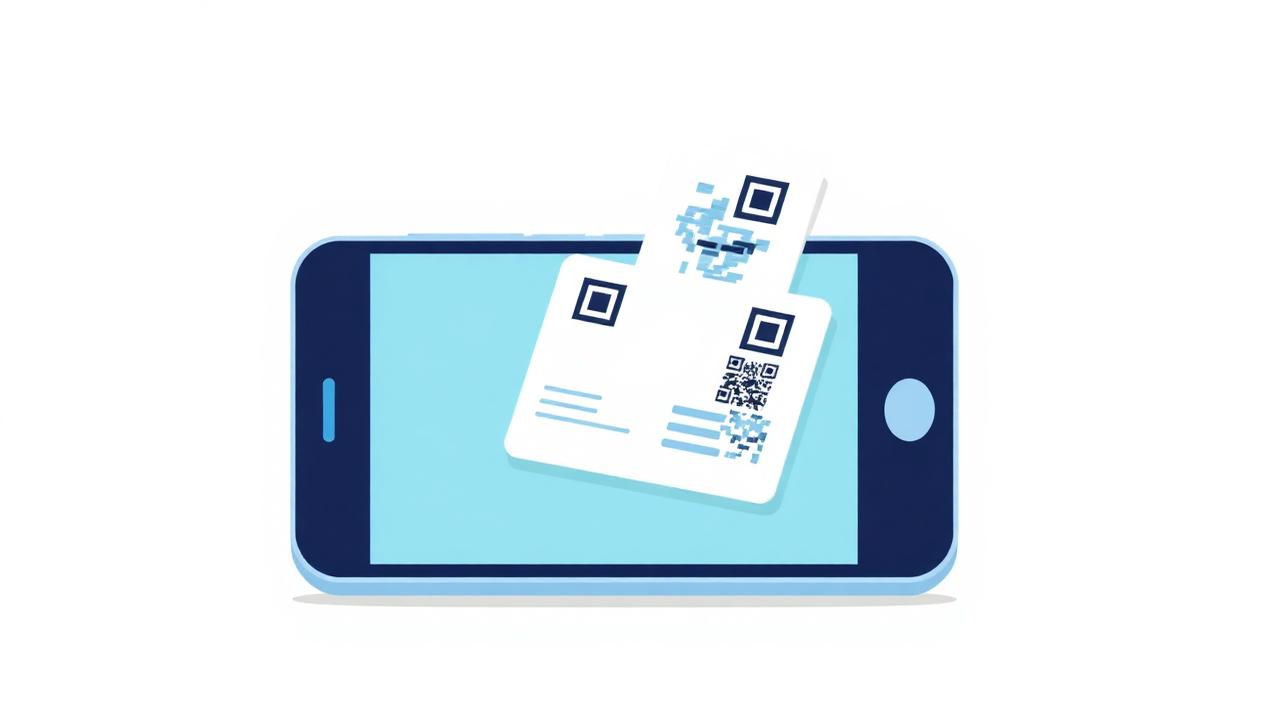
The average business card lives in someone's pocket for four hours, then gets thrown away or lost in a drawer. Studies from the pre-pandemic era put the recall rate at under 12% — most people can't even remember whose card they took. Meanwhile a QR code held up on your phone at a conference gets scanned, imported into Contacts, and remembered forever, because it lands in the one place people actually look: their address book.
The technology behind the scenes is a 30-year-old standard called vCard. It's tiny, plain-text, and every phone on Earth knows how to read it. Once you understand what's inside, you'll never pay for a fancy "digital business card" service again.
What a vCard actually is
A vCard is a small text file with the .vcf extension. Open one in a text editor and you'll see something like this: BEGIN:VCARD, VERSION:3.0, FN:Your Name, TEL:+91 98765 43210, EMAIL:you@example.com, END:VCARD. That's it. iOS, Android, Outlook, Gmail, Apple Contacts and every CRM on Earth can import it directly — no app, no account, no login.
When you encode that text into a QR code, scanning it with any modern camera pops up an "Add to Contacts" sheet with every field pre-filled. The person taps Save and you're in their phone forever. No typing, no OCR mistakes, no forgotten follow-up.
The fields that actually matter
Full name (FN) and phone (TEL) are the only two anyone needs. Everything else is optional and, honestly, mostly noise. Job title changes; company changes; even your email address will probably change three times in your career. Your name and your phone number rarely do.
Add these if they apply: an email address for people who prefer async; a website for people who want to look you up; a LinkedIn URL under the URL field. Skip fax (obviously), skip your postal address unless you actually take mail, and skip the six emojis in your title — most contact apps will render them as boxes.
One field almost nobody uses but should: NOTE. Anything you put there shows up in the imported contact's notes field. "Met at PyCon 2026, works on privacy tools" is worth a hundred followup emails, because the person you gave the card to will remember exactly who you are three weeks later.
QR code, printed card, or both?
The best answer in 2026 is a QR code on your phone lock screen as a shortcut, plus a small QR sticker on the back of your laptop for conference booths, plus — if you insist on paper — a normal card with the QR on the back so you don't have to hand-type anything into anyone's phone.
Printed cards still work as a physical handoff ritual in some cultures (Japan especially), and as a fallback when phones are dead. But the QR is what actually gets saved. If you have to pick one, pick the QR.
Doing it in 30 seconds, privately
The reason most "digital business card" services want you to sign up is that they route every scan through their server — so they can retarget you and the person you shared it with. That's the entire business model. It's also completely unnecessary: the QR code itself contains all the contact data. There's no server to route through.
Bluebird's vCard Builder runs entirely in your browser. Type your details, download the QR as a PNG or SVG, and use it forever. Nothing is sent to us; nothing is stored anywhere; there's no account. The QR you generate today will still work in 20 years, because the vCard format hasn't changed since 1998 and isn't going to.
Two small polish tips
Test the QR by scanning it with your own phone before you print anything. Once, at scale, misprints happen — a code that doesn't scan is worse than no code at all. Aim for at least 3 cm × 3 cm on printed cards; smaller than that and older phone cameras struggle.
If you're paranoid about phone number scraping (fair), make a Google Voice / secondary SIM number just for your public card. You can forward calls, but if the number ever ends up in a spam list you can burn it and print new stickers.


